Best tablet for study purpose: 7 things to check before you buy
EduSoulX guide for parents and schools. Updated: 10 October 2026.
The best tablet for study purpose is the one your child uses only for study. Screen size and speed matter, but the bigger question is what else the tablet can open. Check these 7 points before you pay.
First decide who will use it
| Student | What matters most |
|---|---|
| School student, Class 1 to 10 | Locks on games and social media, lessons from the school syllabus, a strong body |
| Class 11 and 12, NEET, JEE or MHT-CET | Long battery, a big screen for PDFs and video lectures, practice tests |
| College student | Free choice of apps, a keyboard for long assignments |
7 things to check
- Screen. For PDFs and video lectures, a screen of 10 inches or more is comfortable. An IPS screen is easy to read from the side, and an anti-glare screen helps in a bright room.
- Battery. A school day plus homework needs about 8 hours of use. Ask for the hours of use, not only the mAh number.
- Memory and storage. 4 GB RAM runs study apps and video without hanging. 64 GB storage holds books and downloaded lessons, and a memory card slot adds more.
- Internet. Wi-Fi is enough at home. A SIM slot with 4G helps where there is no Wi-Fi. Check that lessons can be saved on the tablet and opened without network.
- Locks. Most buyers miss this point. A normal tablet opens YouTube, Instagram and games with one tap. Parental-control apps can set time limits and block apps, but they work only while the child cannot change the settings.
- Study content. A tablet is only a screen. Ask what comes inside it: lessons from the syllabus, practice questions, doubt solving and tests. Without these, you pay again for apps.
- Certification and support. Look for BIS certification. Ask who repairs the tablet and how you can reach them.
Normal tablet or locked study tablet
| Point | Normal tablet | Locked study tablet |
|---|---|---|
| Games, YouTube, social media | Open, unless you set controls | Locked |
| Open internet browsing | Yes | No |
| Apps | Any app from the store | Only study apps |
| Study content | You find or buy it | Comes inside the tablet |
| Best for | College students and adults | School and coaching class students |
A locked study tablet is not the right choice for a student who needs to install their own apps.
What the EduSoulX T60 gives you
EduSoulX is an educational AI tablet, made in India, and locked for study.
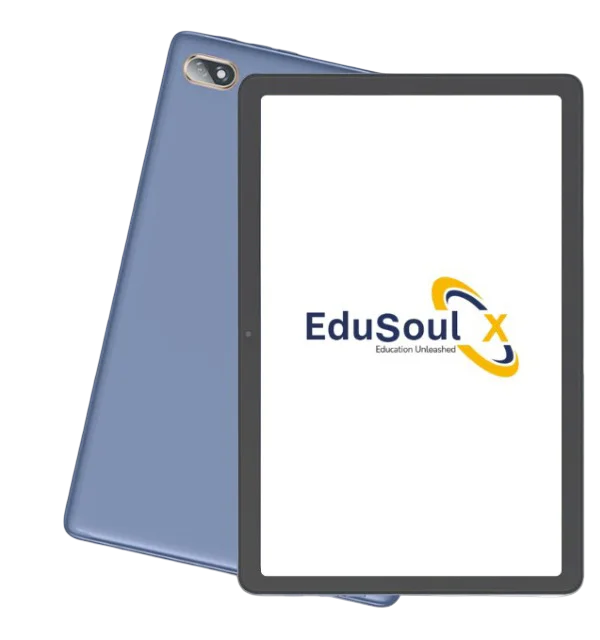
- 10.1 inch HD IPS screen, anti-glare.
- Octa Core 2.0 GHz processor, 4 GB RAM, 64 GB storage, expandable up to 128 GB.
- 6000 mAh battery, up to 8 to 10 hours on one charge.
- Dual SIM 4G LTE, Wi-Fi and Bluetooth. Lessons can be loaded and used without network.
- Munja AI answers the student's doubts from the school syllabus, for Class 1 to 12, State Board and CBSE.
- BIS certified, with setup, teacher training and support on phone and WhatsApp.
The price depends on the number of tablets. Ask us for a quote, or see the full details of the EduSoulX tablet.
For schools: how educational tablets work in a school. In Hindi, for parents: बच्चों की मोबाइल की लत कैसे छुड़ाएं.
Frequently asked questions
Short answers about choosing a tablet for study.
Which tablet is best for study purpose?
It depends on the student. For a school student, a locked study tablet keeps the focus on study. For a college student, a general tablet with free choice of apps is better.
Is a tablet or a laptop better for study?
A tablet is better for reading, video lessons and practice questions. It is lighter and the battery lasts longer. A laptop is better for typing long assignments and for coding.
Can I lock a normal tablet for study?
Partly. Parental-control apps such as Google Family Link can set time limits and block apps. They work only while the child cannot change the settings.
See the EduSoulX tablet working
Book a free demo for your school, your coaching class or your child.
Book a Free Demo See the EduSoulX tablet Ask on WhatsApp